
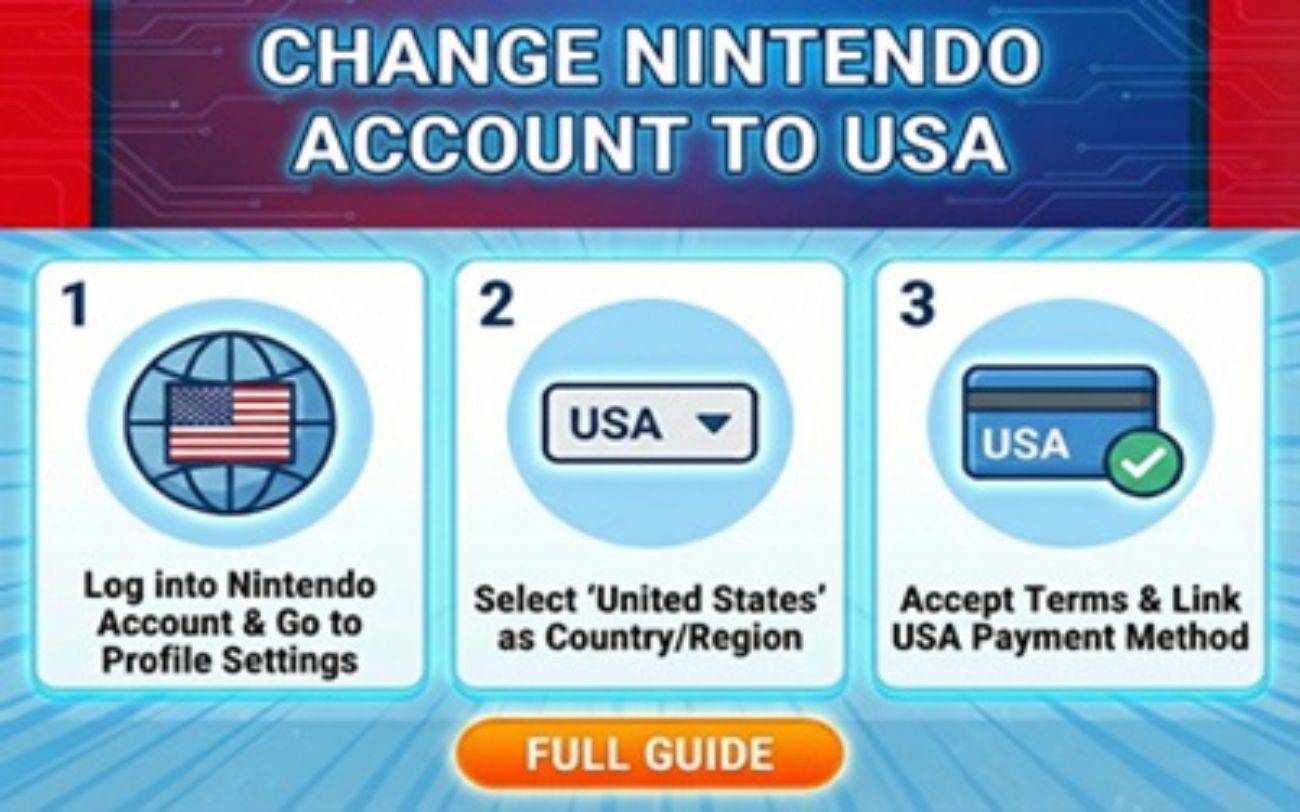
How to Switch Your Nintendo Account to USA & Get Cheap Games
Unlock the full potential of your Nintendo Switch. By learning how to switch your Nintendo account to the USA, you instantly bypass region locks, access massive seasonal sales, and grab your favorite games at a fraction of the cost.
Why Make the Switch to the USA eShop?
Massive Library
Access the largest digital catalog globally, including indie gems and retro classics unavailable in smaller regions.
Huge Discounts
Take advantage of massive US-exclusive seasonal sales (Black Friday, Summer, Holiday) where AAA games drop low.
Bypass Card Blocks
Skip foreign credit card errors easily by using cheap Nintendo eShop cards funded in USD.
How to Switch Your Region & Buy Games
The safest method is the Secondary Account Trick. It keeps your main account intact while letting you buy cheap US games.
Create a New Account
Go to the official Nintendo Account website. Create a brand new profile using a secondary email address.
Set Region to USA
During the setup process, ensure you change the Country/Region of Residence dropdown to the United States of America.
Link Your Switch
On your console, go to System Settings > Users > Add User. Link this new profile to your newly created US account credentials.
Use a Tax-Free Zip Code
When you enter the US eShop for the first time, you will be asked for a Zip Code. Use 97222 (Oregon) or 19720 (Delaware) to legally avoid paying extra digital sales tax!
The Final Step: Funding Your Account
Nintendo blocks international credit cards on the US eShop. The perfect workaround is to use US currency digital codes.
Get instant, secure, and incredibly cheap Nintendo eShop cards directly from GAMECHARGE. Your 16-character code is delivered instantly so you can start downloading immediately.
Get Your US eShop Card on GAMECHARGE