
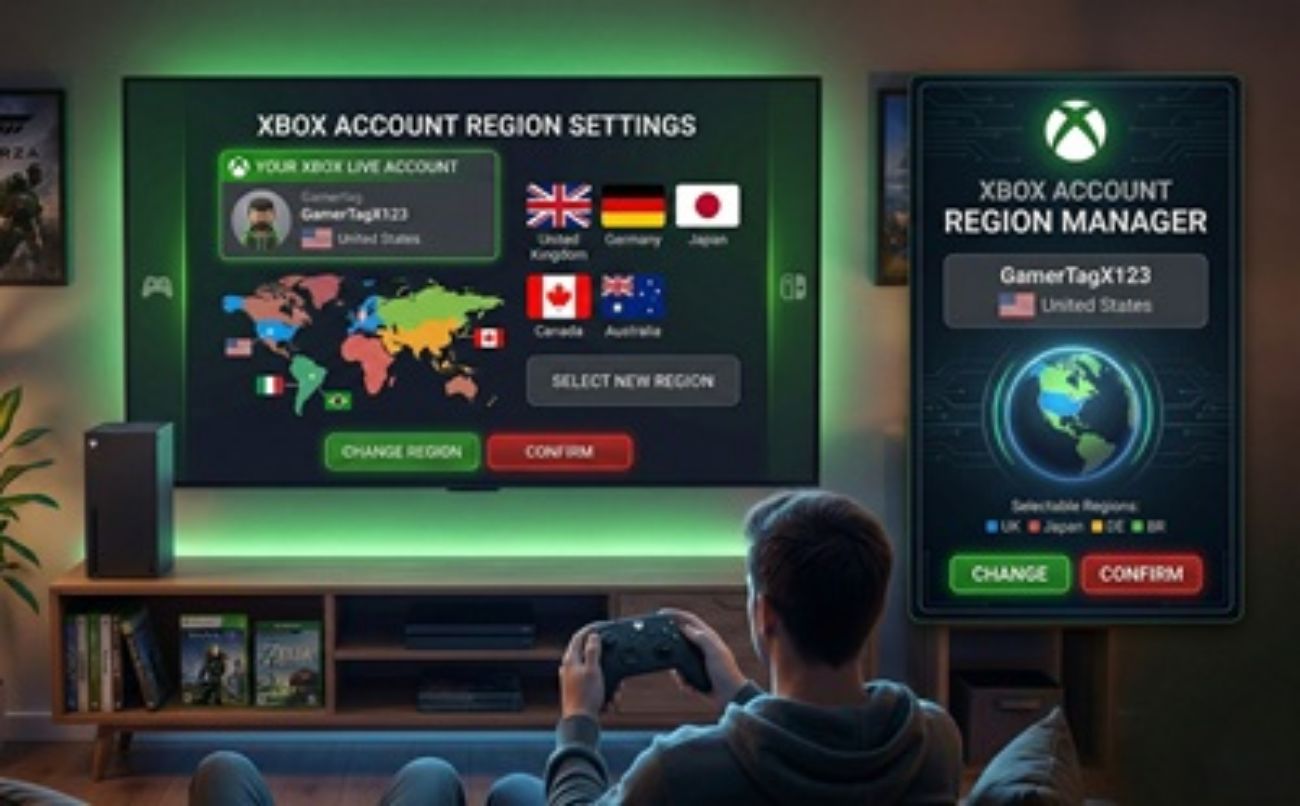
Level Up Your Console: How (and Why) to Switch Your Xbox Account to the USA Region
If you are an Xbox gamer living outside the United States, you might have noticed that your local Microsoft Store feels a little... restricted. Whether it's missing streaming apps, delayed game releases, or completely unavailable digital content, regional storefronts are rarely created equal.
By switching your Xbox region to the USA, you can unlock the ultimate, unrestricted Xbox experience. In this guide, we will walk you through exactly how to make the switch, the incredible benefits waiting for you, and the critical limitations you need to know before you do.
Why Switch to the US Region? The Exclusive Benefits
The USA Xbox Marketplace is Microsoft’s flagship store. Because of this, it gets the best features, the biggest library, and the most lucrative rewards. Here is what you unlock by making the jump:
1. USA-Exclusive Apps and Entertainment
The Xbox isn't just a gaming console; it is a premier media center. However, dozens of top-tier entertainment apps are geofenced to the US store. By switching, you can download:
- Hulu & Peacock: Massive streaming libraries completely unavailable on international Xbox dashboards.
- Pandora & Vudu: Premium US-based music and digital movie rental services.
- US Network Apps: Direct access to apps like AMC, FXNOW, ESPN, and Comedy Central.
Note: While downloading these apps requires a US region, actually streaming their content may still require a VPN depending on your physical location.
2. The Uncensored, Complete Xbox Game Pass Library
Depending on your home country's local rating boards (such as in Germany, Australia, or parts of Asia), certain games are heavily censored or banned outright. The US region offers the complete, unfiltered Game Pass catalog as the developers originally intended. You will also get access to specific Game Pass Ultimate "Perks" (like 3-month Discord Nitro trials or exclusive in-game DLC bundles) that are often US-only.
3. Better Deals and Early Access
The US marketplace frequently sees the deepest discounts during major sales events like Black Friday, the Summer Sale, and weekly Deals with Gold. Furthermore, beta tests for upcoming multiplayer games are often restricted to North American accounts first.
4. Microsoft Rewards Optimization
The Microsoft Rewards program is incredibly generous in the USA compared to other regions. US users get access to more daily quests, higher point payouts, and better redemption options (like converting points directly into Xbox Store credit to buy games for free).
The Catch: Limitations and Rules You MUST Know
Before you rush to change your settings, it is crucial to understand Microsoft's rules. Changing your region is completely allowed, but it comes with strict limitations.
Crucial Limitations
- The 3-Month Cooldown: If you change your actual Microsoft Account region, you cannot change it back for 3 months (90 days). Make sure you are committed!
- Your Account Balance Will NOT Transfer: If you have $50 in local currency (e.g., Euros or Pounds) on your account, it will stay in that region. You cannot spend it in the US store. Spend your current balance before switching!
- The Payment Method Wall: To buy games on the US Store, you need a US billing address and a payment method that supports international/US transactions. If your local credit card is rejected, you will need to buy US-region Xbox Gift Cards from third-party sites to fund your wallet. We highly recommend you buy Xbox Gift Card USA from GAMECHARGE, as they are a trusted retailer currently selling them at a discounted price!
- Subscription Quirks: Active subscriptions like Game Pass might temporarily glitch or fail to auto-renew if your new region doesn't match your original payment method.
How to Switch Your Xbox Region to the USA
There are two different ways to do this. Method 1 only changes the console storefront (great for downloading free US apps), while Method 2 changes your actual Microsoft Account (required for permanent benefits and purchases).
Method 1: The Quick Console Switch (Temporary/Storefront Only)
This method changes what your console displays but doesn't alter your core Microsoft account data. It is perfect for quickly grabbing a US-exclusive free app or game demo.
- Turn on your Xbox and press the Xbox Button on your controller to open the guide.
- Navigate to your profile icon and select Settings.
- Go to System and then select Language & location.
- Under the Location dropdown, select United States.
- Click on Restart now on the right side of the screen.
- Once your console reboots, the store will be the USA version!
Method 2: The Full Account Migration (Permanent)
If you want to fully commit to the US region for purchasing games, claiming Game Pass Perks, and earning maximum Microsoft Rewards, you must migrate your account via a web browser.
- Open a web browser on your PC or smartphone and go to account.microsoft.com.
- Sign in to the Microsoft account linked to your Xbox profile.
- Click on the Your info tab at the top of the page.
- Scroll down to the "Profile info" section and click on Edit country/region.
- You may be prompted to verify your identity with an email or SMS code.
- Change your Country/region to United States. You will be asked to provide a state and ZIP code (you can use a tax-free state ZIP code like 97201 in Oregon for digital purchases).
- Click Save.
Final Thoughts
Switching your Xbox account to the USA region is a fantastic way to break down digital borders. As long as you are prepared to use US Xbox Gift Cards for your purchases (which you can conveniently grab at a discount from GAMECHARGE) and don't mind the 90-day cooldown, the sheer volume of exclusive apps, uncensored games, and aggressive discounts make it a highly rewarding trick for international gamers.
Have you made the switch to the US region? Let us know what exclusive games or apps you downloaded first in the comments below!
